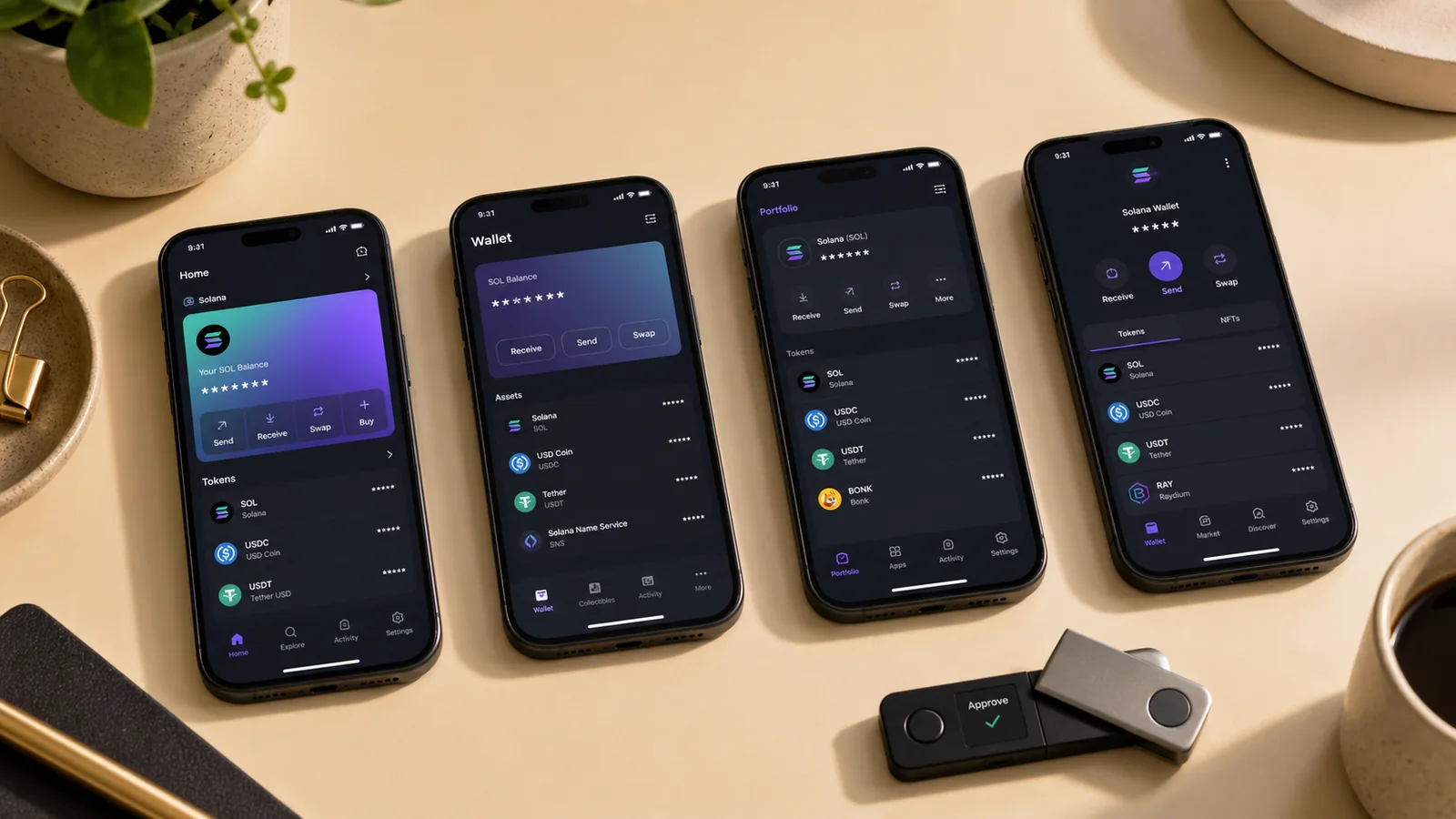
The best Solana wallet is Phantom for most people. It is quick, clear, and works with a huge range of Solana apps. Solflare is my pick for staking. Ledger is my pick for long-term storage. The right wallet depends on what you do—and how much you can stand to lose.
My seven picks
| Wallet | Best for |
|---|---|
| Phantom | Best for most people |
| Solflare | Best Solana-native staking tools |
| Backpack | Best for power users |
| Ledger Nano | Best for long-term cold storage |
| Jupiter Wallet | Best for active DeFi swaps |
| Exodus | Best simple multi-chain wallet |
| Keystone | Best QR hardware path, where supported |
I built this ranking from official docs, security notes, app support, and current user reports. I looked at private-key control, hardware wallet support, mobile use, browser extension quality, staking, multi-chain support, and phishing risk.
No wallet is safe just because it has a nice app. A hot wallet stays on a phone or computer. A hardware wallet keeps private keys offline and asks you to sign on a separate device. That extra step can save you from some attacks, but not from every bad approval.
How I picked the best Solana wallet
I gave the most weight to security and control. A non-custodial wallet lets you hold the recovery phrase. That also means there is no password reset if you lose it.
Next, I checked use. Does the wallet connect to common Solana apps? Can it show SOL, SPL tokens, and NFTs? Does it make staking clear? Can a Ledger Nano sign through it?
Then I checked the rough edges. Some software wallets push in-app swaps with higher fees. Some show many chains and feel busy. Some have great Solana tools but few other networks.
One key lesson from current owners is that one “best wallet” may be the wrong frame. In a 2026 Phantom vs. Solflare discussion, users often split tasks: Phantom for easy app links, Solflare for staking, and a separate hardware wallet for savings.
1. Phantom Wallet — best for most people
Phantom is the default Solana wallet for a reason. The user interface is clean. The mobile app and browser extension are easy to learn. Most Solana dApps show a Phantom button.
Phantom started as a Solana native wallet and now has multi-chain support. That is useful if you also hold Bitcoin, Ethereum, Base, or Polygon assets. It can also make the app feel less focused than before.
Key features
- Fast SOL and token sends
- Mobile app and browser extension
- Built-in token swaps
- NFT view and spam filters
- Staking tools
- Ledger hardware integration
Phantom is a hot wallet by default. The recovery phrase and private keys live on your device in protected software storage. A bad browser add-on, fake support page, or trick approval can still hurt you.
Best user: A beginner or daily dApp user who wants one popular wallet that just works.
Main trade-off: Its broad multi-chain growth adds clutter, and in-app swaps may cost more than going straight to a market tool.
2. Solflare — best for staking and Solana focus
Solflare stays close to the Solana ecosystem. Its staking pages give users more detail. The wallet also handles tokens, NFTs, browser use, and mobile use.
I would choose Solflare over Phantom if staking is the main job. It feels like a Solana wallet first and a general crypto wallet second. That focus can make account and validator work easier to read.
Key features
- Clear staking and validator tools
- Mobile, web, and browser extension
- NFT gallery
- Ledger and other hardware support
- Solana Shield hardware option
Solflare has fewer non-Solana features than some other wallets. That is a miss for a wide portfolio and a win for a focused one.
Best user: A SOL holder who stakes and wants native Solana details.
Main trade-off: Phantom still has wider name recognition and may be the first wallet tested by a new dApp.
3. Backpack — best for power users
Backpack is built for active Solana users, developers, and NFT fans. It helped push xNFTs, which are app-like items that can run inside the wallet.
The interface gives advanced users more to do. Backpack also links closely with its exchange and DeFi tools. That can be handy. It can also be too much for a first wallet.
Key features
- Mobile app and browser extension
- xNFT app support
- Strong NFT and developer culture
- Advanced transaction flows
- Multi-chain features
Best user: A builder, NFT user, or trader who knows the basic safety rules.
Main trade-off: The extra features raise the learning curve. New users may miss a key detail when the screen is busy.
4. Ledger Nano — best for long-term storage
A Ledger Nano is not a full Solana wallet interface by itself. It is a hardware wallet that stores keys in a secure element. You pair it with Ledger Wallet, Phantom, or Solflare to view and use SOL.
The key win is separation. A web page cannot sign with your Ledger unless you approve on the physical device. Ledger says its newer devices use a CC EAL6+ secure element, and its Solana wallet guide explains how the hardware can pair with a software interface.
Key features
- Private keys kept offline
- Solana app support
- Works with Phantom and Solflare
- Recovery phrase backup
- Multi-chain hardware wallet support
A hardware wallet adds cost and steps. It also cannot save you if you approve a harmful smart contract. Read the screen before you sign.
Best user: A long-term holder or anyone with a balance that would hurt to lose.
Main trade-off: You must buy and carry a physical device. The Nano X also has a sealed battery; see my Nano X review for that full trade.
5. Jupiter Wallet — best for active DeFi
Jupiter is a major Solana trading and routing tool. Its mobile wallet puts swaps, limit orders, and other DeFi work close to the account.
This is the best wallet on my list for a user who trades through Jupiter all the time. The flow can be faster and more direct than opening a general wallet, then a separate site.
Key features
- Mobile-first Solana use
- Deep link to Jupiter swaps
- DeFi tools in one app
- Clear route and price views
That speed can work against you. Active trading adds smart contract risk, price risk, and more approvals. Keep a small trading balance. Do not use the same wallet as cold storage.
Best user: An active Solana DeFi user who already knows Jupiter.
Main trade-off: It is more about doing than storing. New users may take on more risk than they see.
6. Exodus — best simple multi-chain view
Exodus is a polished software wallet for many networks. It has desktop and mobile apps, a clear portfolio view, and live support. It can hold SOL and many other assets in one place.
I like Exodus for a person who wants one calm screen. The design is easier than many crypto apps. It also supports hardware links, though its deepest hardware tie has long been with Trezor rather than every Solana flow.
Key features
- Desktop and mobile apps
- Multi-chain portfolio
- Built-in exchange paths
- Human customer support
- Simple receive and send tools
Exodus is not a Solana native wallet. It may lack a new Solana feature that Phantom or Solflare adds first. Its built-in trade paths can also include a spread.
Best user: A multi-chain holder who values clear design and support.
Main trade-off: Less Solana depth and less code openness than some security-first users want.
7. Keystone — best QR hardware path
Keystone is an air-gapped hardware wallet. It can sign with QR codes, so the device does not need a USB or Bluetooth link for that flow.
The idea is strong: show a request as a QR code, scan it on the hardware wallet, check it, sign, then scan the answer back. Private keys stay offline.
Solana support can depend on the Keystone model, firmware, and companion wallet. Verify the exact current path before you buy. Do not assume that “multi-chain” means every Solana dApp works.
Key features
- QR code signing
- Air-gapped design
- Large touch display
- Open-source firmware work
- Support for many chains
Best user: A security-first buyer who wants fewer wired or wireless links.
Main trade-off: QR steps are slower, and Solana compatibility needs a careful check.
Why I left Atomic Wallet out of the top seven
Surfer's SERP outline included Atomic Wallet. I did not rank it. Atomic had a major 2023 theft event tied to many user wallets. The cause and user impact remain a serious trust mark.
A wallet can improve after an event, but I need strong, clear proof before I place it above current Solana tools. This is one place where a clean list matters more than filling a slot.
Hot wallet or hardware wallet?
| Type | Good use |
|---|---|
| Hot wallet | Small daily balance, swaps, games, and dApps |
| Hardware wallet | Long-term SOL, large balances, rare signing |
A hot wallet is fast because it lives on the device you use. That same fact raises risk. Malware or a fake browser extension may reach the signing flow.
A hardware wallet adds isolation. It is safer for long-term storage, but only if you read each request. Blind signing can still approve a bad action.
What “multi-chain” really means
Multi chain support can be useful, but the label is broad. One multi chain wallet may show Solana, Ethereum, and Bitcoin. Another may support ten networks but offer weak Solana functionality.
For Solana users, I check three layers. First, can the wallet send SOL and Solana tokens? Second, can it show staking, NFTs, and token accounts? Third, does it connect to the Solana ecosystem apps the user needs?
Phantom Wallet has grown into a multi chain wallet while keeping strong Solana support. Exodus is also multi chain, but it is less tied to each new Solana feature. The best Solana wallet depends on whether broad asset management or deep native tools matter more.
A single wallet can feel user friendly because every digital asset sits in one view. Several Solana wallets can feel safer because each has one job. I prefer multiple wallets with clear roles over one wallet connected to every site.
Software wallets and self custody
Phantom Wallet, Solflare Wallet, Backpack Wallet, Jupiter, and Exodus are software wallets. These hot wallets give quick access on a phone or browser. Most are non-custodial wallet tools, so the provider does not hold the private keys for you.
That self custody model has no help desk reset. Lose the recovery phrase and the provider may not help you regain access. Share the phrase and a thief may take the wallet.
A user friendly software wallet should make backup warnings clear. It should also use biometric security or a device lock where available. Those security measures slow down a casual thief, but they do not replace the recovery phrase.
The most popular Solana wallets also add warnings for spam tokens and risky pages. Those filters are added security, not a promise. New phishing attacks can reach Solana users before a block list catches up.
Hardware wallet support: check the full path
Hardware wallet support means more than a logo on a page. Check the exact hardware or software wallet pair, phone type, browser, cable, and app. A Ledger Nano may work with a Phantom browser extension but not with every mobile flow.
A secure element chip can keep private keys offline. An open source hardware wallet can make more code open to review. QR codes can reduce wired links. None of these robust security features remove the need to read a transaction.
For secure long term storage, I want a well-known device, a tested backup, and a wallet designed to show useful signing data. I also want responsive customer support for device faults. I do not want support staff to have any path to my phrase.
Solana wallet setup checklist
- Download from the official wallet site or app store page.
- Create a new wallet on a clean device.
- Write the recovery phrase offline.
- Turn on the phone lock and biometric security.
- Send a tiny amount of SOL.
- Test one send back out.
- Pair a hardware wallet for larger funds.
- Keep one small bank-account-sized spending balance, not all savings.
“Bank account” is only an easy size metaphor here. Crypto wallets are not bank accounts. They do not have the same fraud help or deposit cover.
Each wallet offers a different mix of mobile usability, hardware integration, advanced features, and cost. Start with the smallest safe task. The top tier security setup is useless if it is so hard that you skip every check.
My safer two-wallet setup
- Use Phantom or Solflare as a small daily wallet.
- Use a Ledger or other proven hardware wallet for savings.
- Keep different recovery phrases for the two wallets.
- Move only the amount you need for a task.
- Revoke old app links when you are done.
Do not import the hardware wallet recovery phrase into a phone app. That turns cold storage into a hot wallet. Pair the hardware device through the app instead.
Five security rules that matter
- Guard the recovery phrase. Write it offline. Never share it.
- Check the web address. Fake Phantom and Solflare pages buy ads.
- Read each signature. A real wallet can still approve a bad contract.
- Use small test sends. Solana is fast, but a wrong address is still wrong.
- Keep wallet apps current. Install updates from the official store or site.
A public address is safe to share for payment. A private key is not. A recovery phrase can create every private key in that wallet. Treat it like the master key to your home.
Which wallet is best for you?
Pick Phantom if you are new and want broad dApp support. Pick Solflare if SOL staking is your main task. Pick Backpack if you build, trade, or use xNFT tools.
Pick Ledger for long-term holdings. Pick Jupiter Wallet if active DeFi is the point. Pick Exodus if you want one friendly multi-chain app. Pick Keystone only after you verify the exact Solana QR workflow you need.
The wallet designed for every job can become the wallet exposed to every risk. Several wallets sound messy. Used with clear roles, they can be safer.
A safe first-week plan
Do not rush this part. Start with a new phone or a clean web browser. Go to the real wallet site. Save the link once you know it is right. Fake ads can look just like the real page.
Make one new wallet. Write the seed words by hand. Put the sheet in a safe spot. Do not snap a photo. Do not send the words to your own email. Do not type them in chat.
Now lock the app. Use a long PIN. Add Face ID or a thumb scan if your phone has it. This lock will not stop all theft. It can stop a quick peek.
Send just a few dollars of SOL. Check the first and last parts of the public address. Wait for the funds to show. Then send a small part back. This test proves that you can get funds in and out.
Try one low-risk task next. You may stake a small sum. You may swap a small coin. You may link to a well-known app. Read each screen. If the words do not make sense, stop.
At the end of the week, ask five plain questions:
- Could I find each key tool?
- Could I read each fee?
- Did the app show what I would sign?
- Did I know how to lock the app?
- Could I get help without a strange direct message?
If the answer is no, try one more wallet with a new seed. Do not move all your funds just to test. A free app is not free if one bad tap can drain your cash.
How I split funds
I use three simple buckets as a model. The first is cash for a task. The second is funds for the next few weeks. The last is long-term savings.
The task bucket can sit in a hot wallet. Keep it small. Use it for games, swaps, and new apps. If it is hit, the loss should hurt a bit, not wreck your year.
The next bucket can use a known wallet with a hardware key. You may use it to stake or move funds once in a while. Do not link it to each new site.
The savings bucket should stay cold. Use a hardware key. Keep the seed safe. Test the backup with care. Move funds only when you have time to read each step.
This split is not a law. It is a way to cut the blast zone. One bad link should not reach all you own.
Short FAQ
Which wallet is best for Solana?
Phantom is best for most users. Solflare is stronger for staking detail. Ledger is stronger for long-term key storage.
Which is better, Phantom or Solflare?
Phantom is easier across many apps and chains. Solflare feels more focused on Solana and staking.
Is Phantom legal in the US?
A self-custody wallet is legal to use in the US. The assets, apps, and trades inside it may have their own rules and tax effects.
Is there an official Solana wallet?
Solana does not require one official wallet. Many compatible wallets can hold SOL and sign network tasks.
Can I use more than one wallet?
Yes. Many users split daily use and savings. Do not reuse one recovery phrase across every app.
Do Solana wallets charge transaction fees?
The network charges small SOL fees. Wallet swaps may add a service fee or spread. Read the preview.
Final call
Phantom is my best Solana wallet for most people in 2026. It wins on ease, app support, and a friendly mobile app. Solflare is a close second and may be the better wallet for a Solana-only user.
For real savings, I would add a hardware wallet. The small pause before a physical sign is useful. It turns a fast tap into a choice.
Start with a tiny amount. Learn the send, stake, swap, and restore flows. Then move more only when the steps feel dull. In crypto, dull can be a very good sign.